
Macro: Log book to daily journal
This macro asks which book you are reading and writes your answer to the Book property of today’s daily journal note, so you can log your current read without leaving the command palette.
Before you start
Section titled “Before you start”- The MetaEdit plugin must be installed and enabled. This macro calls MetaEdit’s
updatefunction to change the property. - A daily journal note whose path matches the one in the script. This example uses
bins/daily/{date}.md; change the folder and the date format on the marked lines to match your own daily notes.
- Save the script below to a
.jsfile somewhere in your vault (not inside the.obsidianfolder). See the user scripts guide for how QuickAdd loads scripts. - In QuickAdd settings, click Add Choice, select Macro, and name it (for example,
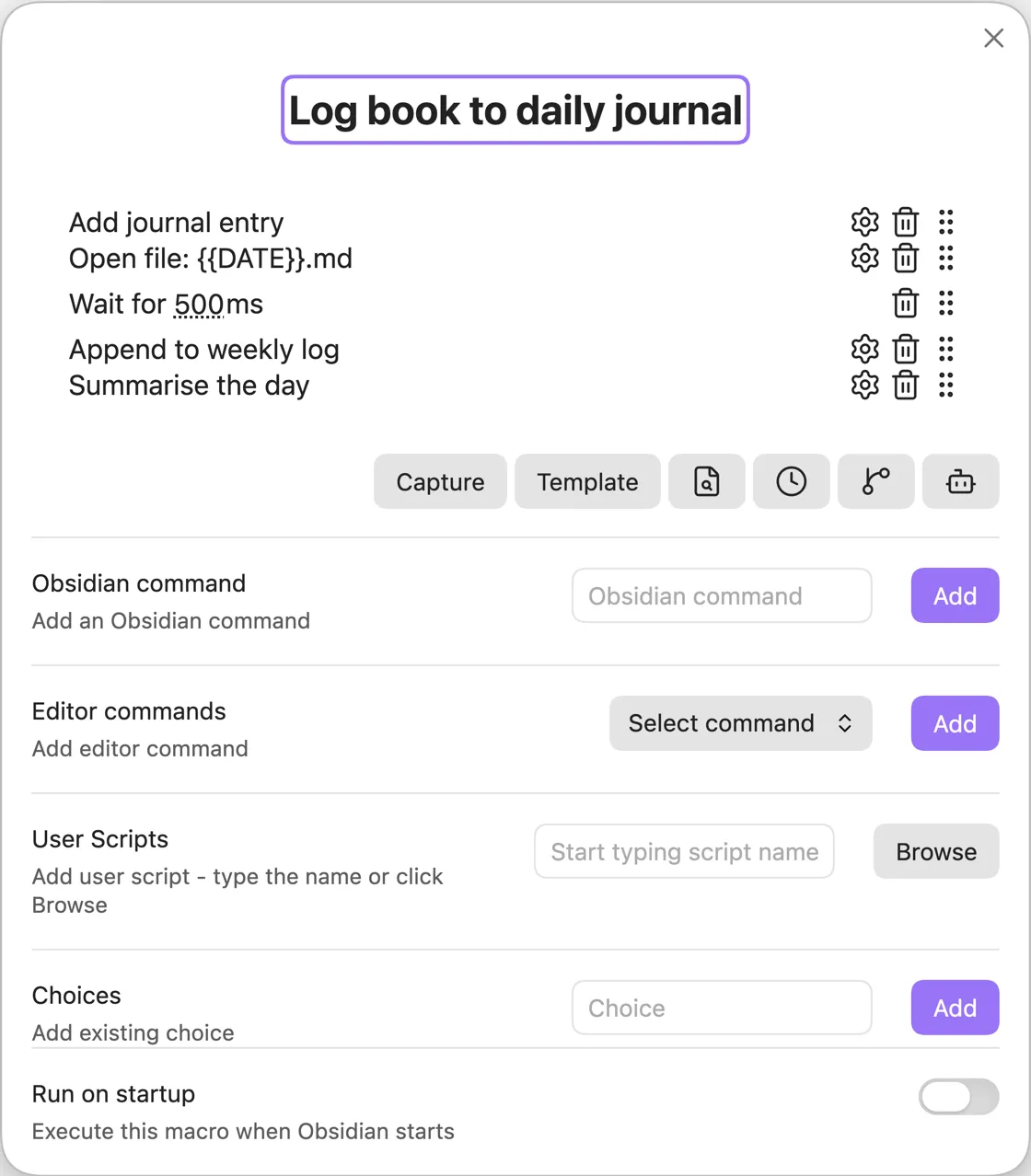
Log Book). See the Macro choice docs for a full walkthrough. - Click the configure button (the gear icon) to open the Macro Builder, then add your script as a User Script command.
Run the macro and enter a book title at the prompt. QuickAdd updates the Book property in today’s journal note to that title.
// You have to export the function you wish to run.// QuickAdd automatically passes a parameter, which is an object with the Obsidian app object// and the QuickAdd API (see description further on this page).module.exports = async (params) => { // Object destructuring. We pull inputPrompt out of the QuickAdd API in params. const { quickAddApi: { inputPrompt }, } = params; // Here, I pull in the update function from the MetaEdit API. const { update } = app.plugins.plugins["metaedit"].api; // This opens a prompt with the header "📖 Book Name". val will be whatever you enter. const val = await inputPrompt("📖 Book Name"); // This gets the current date in the specified format. const date = window.moment().format("gggg-MM-DD - ddd MMM D"); // Invoke the MetaEdit update function on the Book property in my daily journal note. // It updates the value of Book to the value entered (val). await update("Book", val, `bins/daily/${date}.md`);};